
Vase Mode Checker 3D Modeling Software
Type the numbers, check the preview and download the part. Nothing is uploaded.
Cuts this much off the bottom so the first layer is flat. 0 leaves the base alone.
From vertical. Steeper surfaces are flagged.
A loop narrower than this is flagged as too small for the nozzle.
A shell is NOT spiral mode input. Spiral mode wants the solid.
Nothing is uploaded. Your file is read in your browser and never leaves your computer.
What this does
Spiral vase mode wants a solid model with a flat base and exactly one closed outline on every layer; the slicer makes the single wall itself. Drop your model and every layer is cut and classified, the heights that break the rule are drawn on the model, and you can flatten the base and download the checked solid, which is called ready only when every check passes.
How it works
- Choose your 3D Print STL FileDrag a 3D Print STL File onto the box above, or press it and pick one. It is read in your browser, so nothing is uploaded.
- Read the checkEvery layer is sliced on your own computer. The table lists the heights that break the rule and why, and the model shows them.
- Download the resultPress the download button. What it offers is checked as a closed solid first; nothing broken is offered.
About the formats
- Solid, not a shell
- Spiral mode needs the solid. A hollow shell is for ordinary printing and is offered only as a separately labelled second file.
- What it cannot do
- It does not cut handles off or repair holes, and it does not replace the slicer preview.
Questions
Is Vase Mode Checker 3D Modeling Software free?
Yes. Every tool on StarForge is free, with no account, no sign-in and no limit on how many files you run through it. It runs on your own computer, so it costs us nothing to give away.
Is my file uploaded anywhere?
No. Nothing is uploaded. Your file is read in your browser and never leaves your computer. There is no upload step, no server copy and nothing kept afterwards, which is also why it works with the network switched off once the page has loaded.
How large a file can I use?
Up to 250 MB. The limit is your browser's memory rather than an upload size, because the file never goes anywhere; a file larger than that is refused with a message rather than crashing the tab.
More tools
- 3D Print STL File Viewer 3D Modeling Software
- 3D Print STL File Converter 3D Modeling Software
- Flexi Maker 3D Modeling Software
- STEP File to 3D Print STL File Converter 3D Modeling Software
- STEP File Viewer 3D Modeling Software
- Hose Adapter Generator 3D Modeling Software
- Gear Generator 3D Modeling Software
- LEGO-Compatible Brick Generator 3D Modeling Software
- All tools
834+ 3D Print STL Files
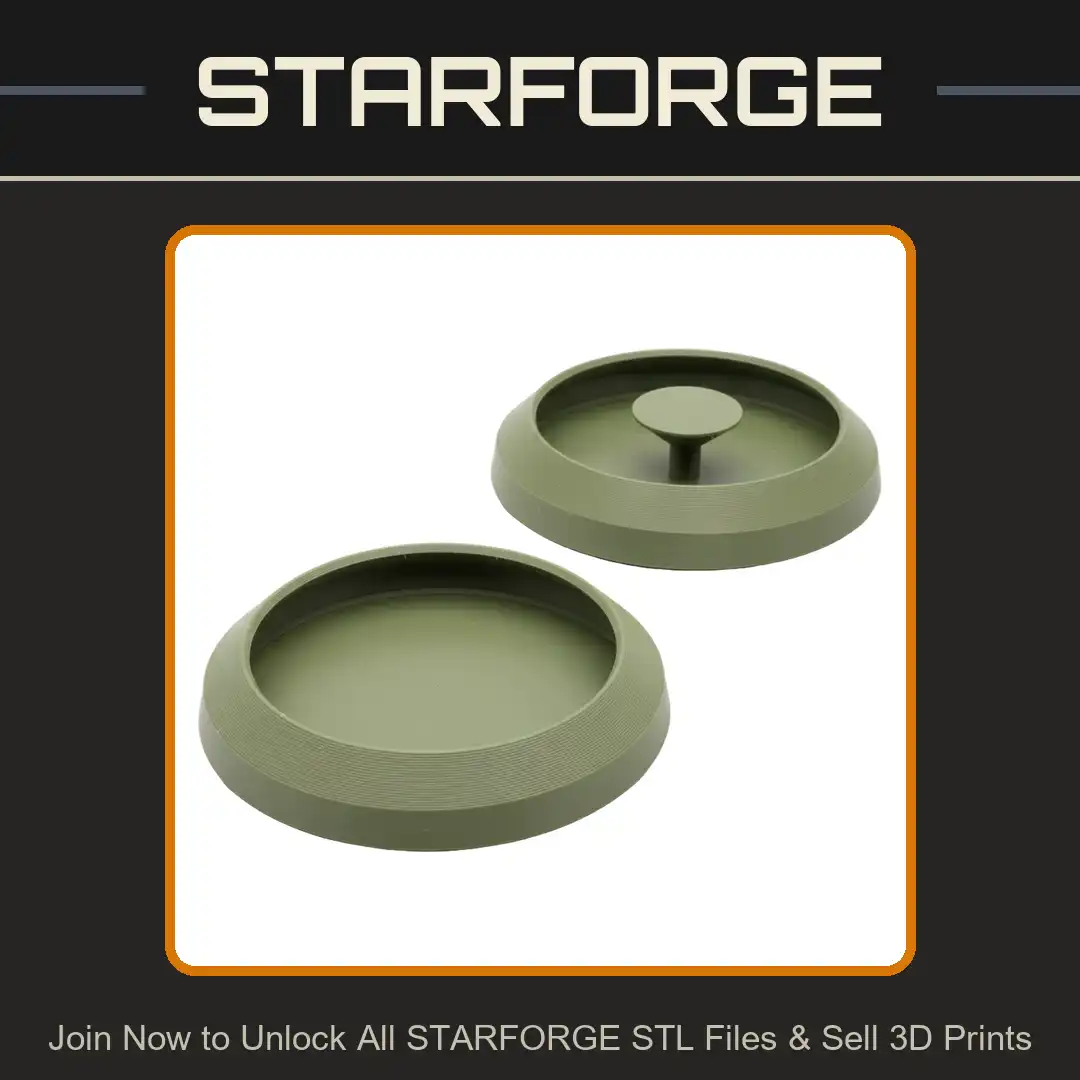
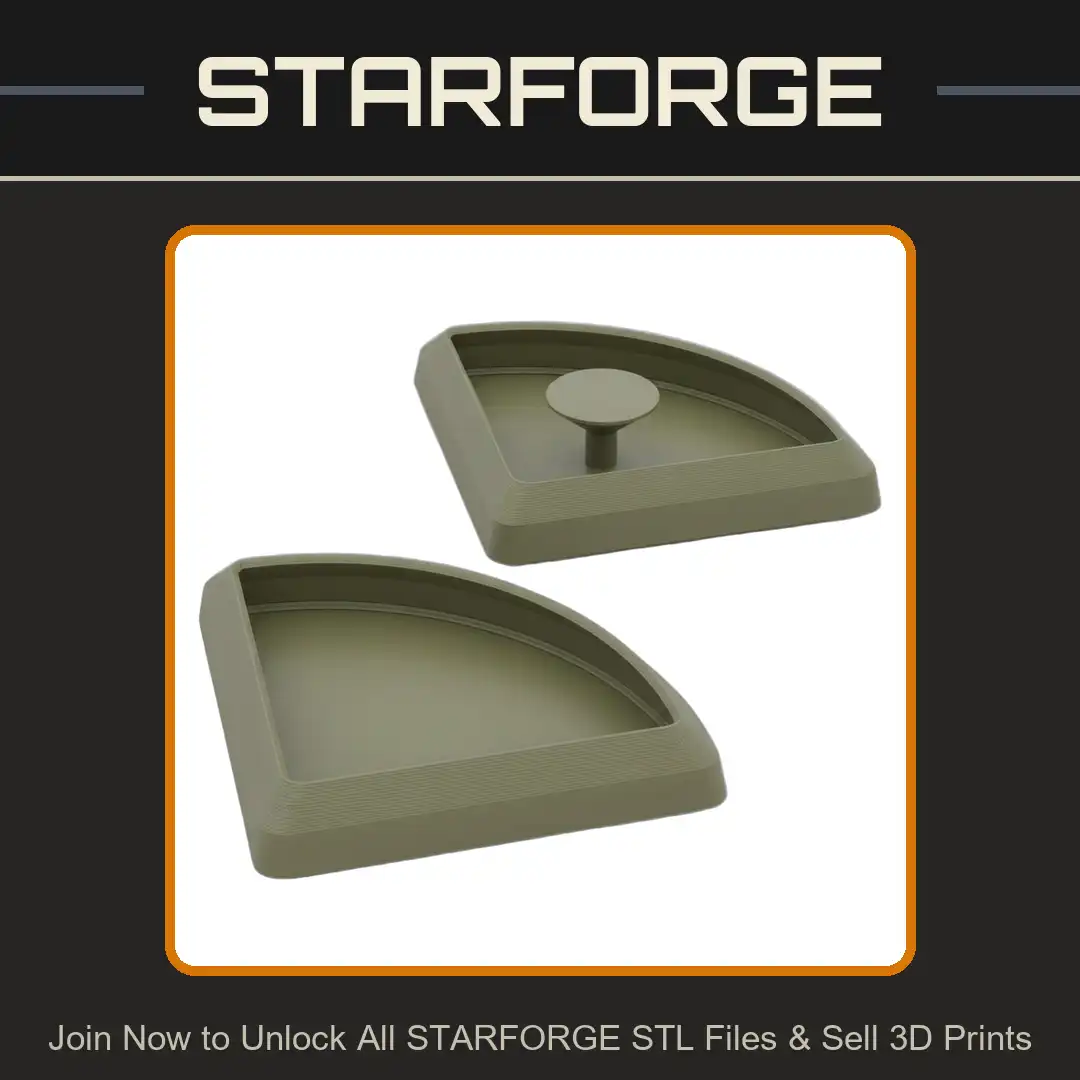
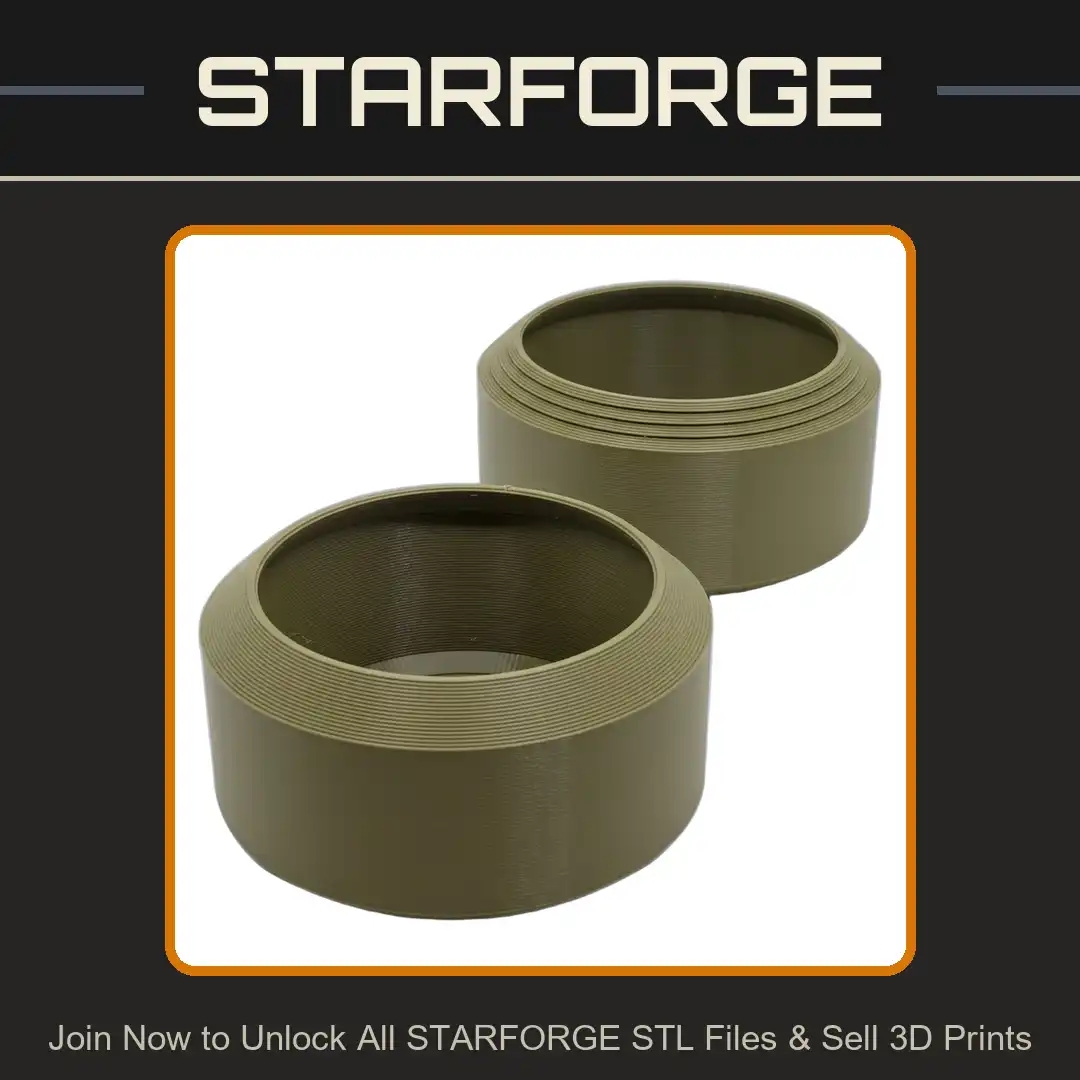
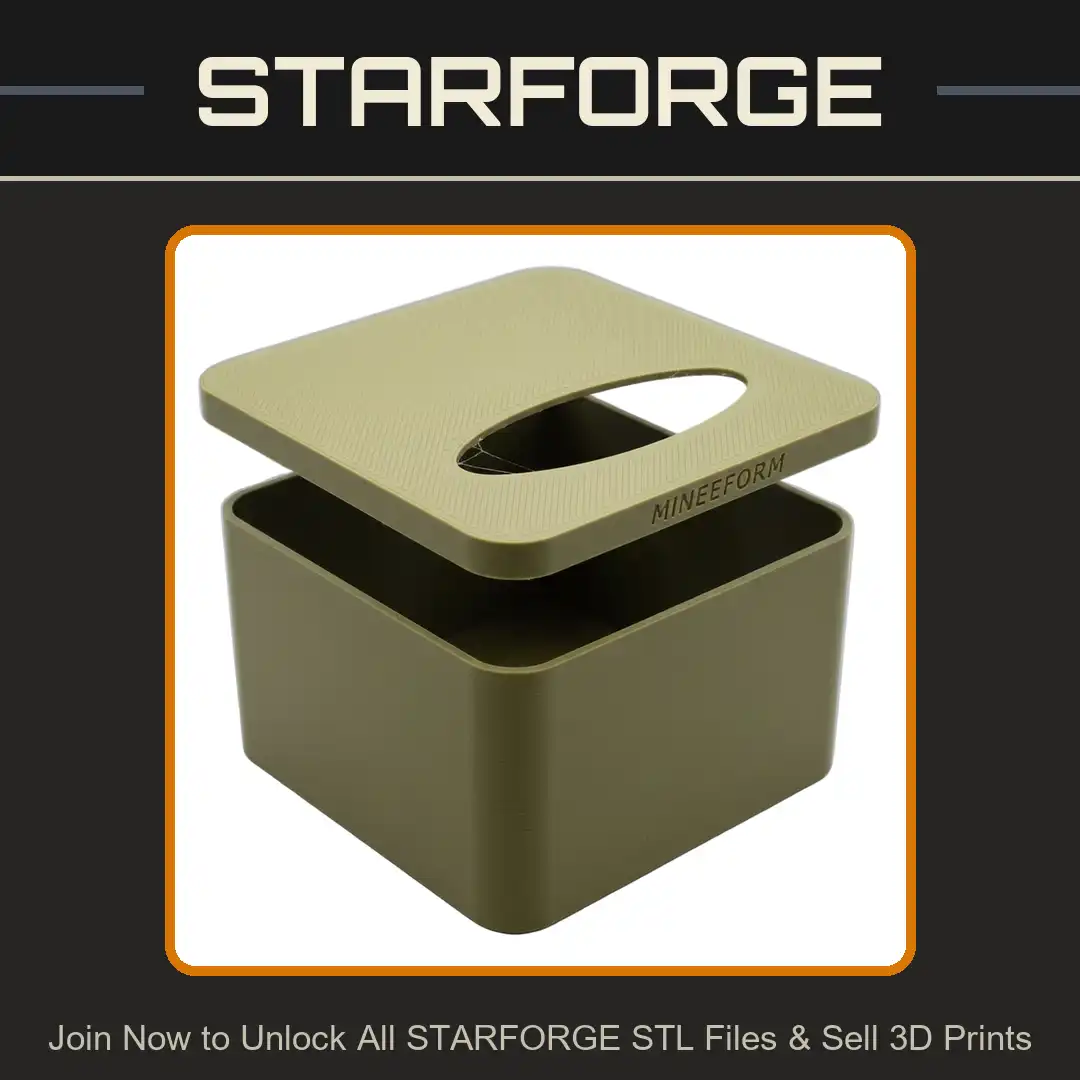
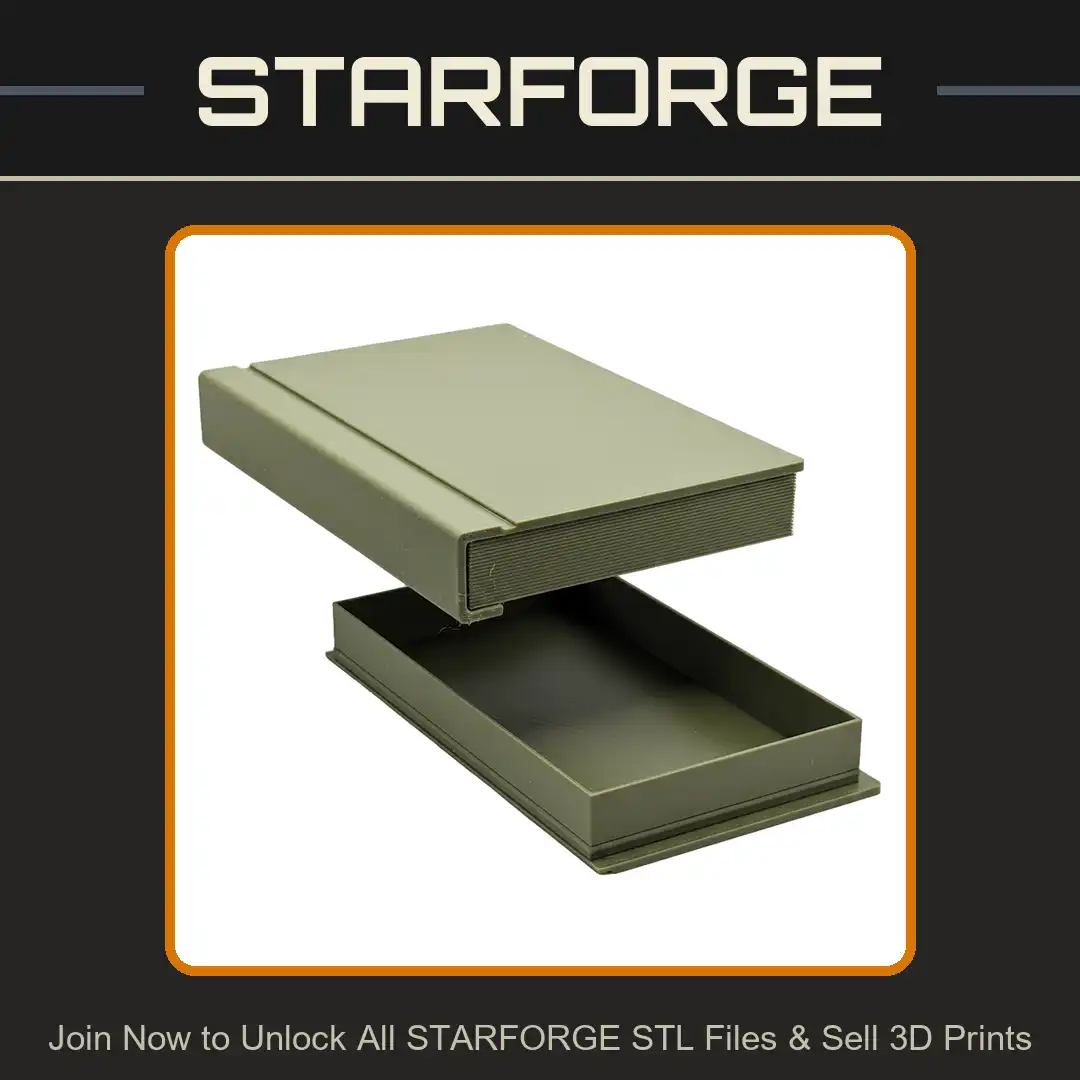
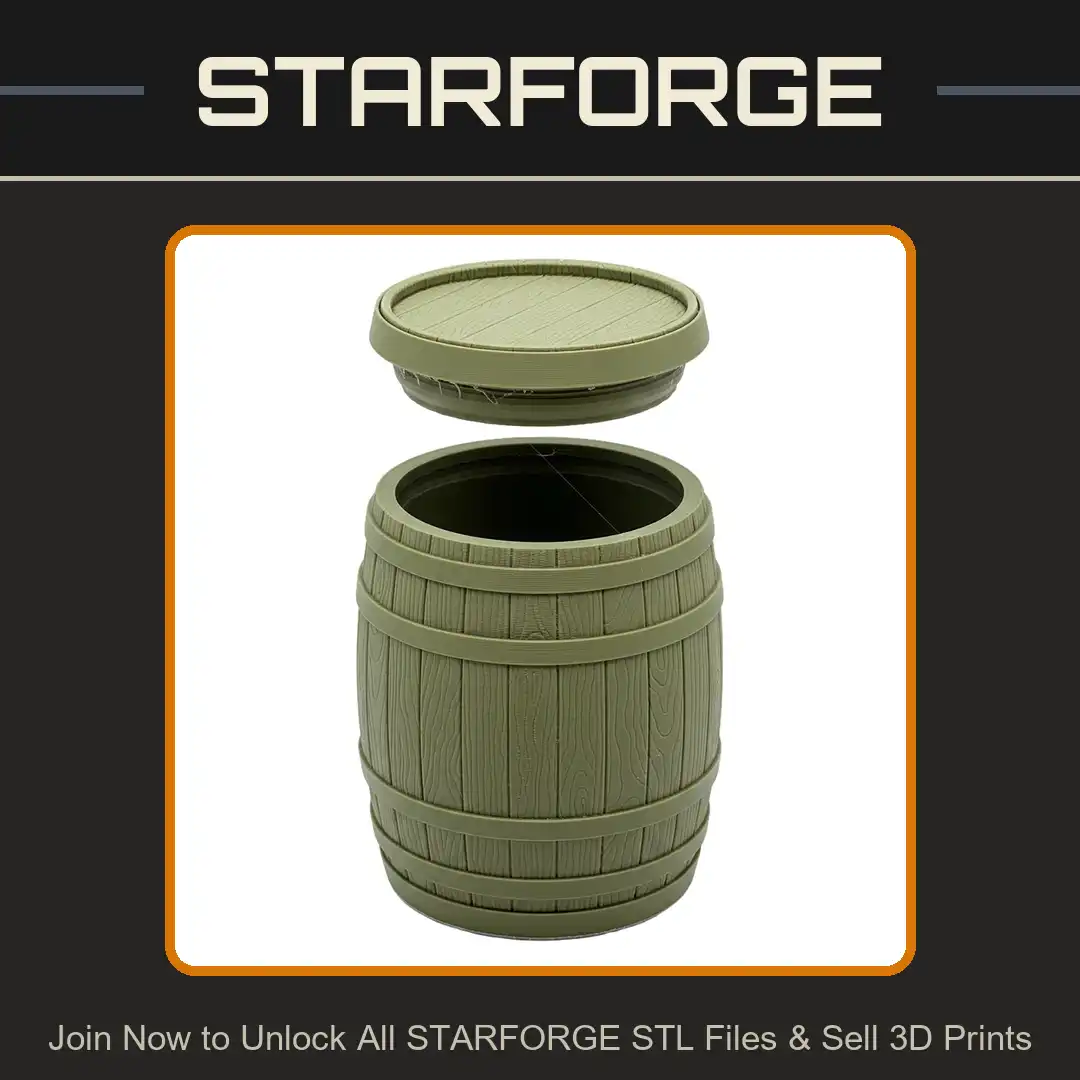
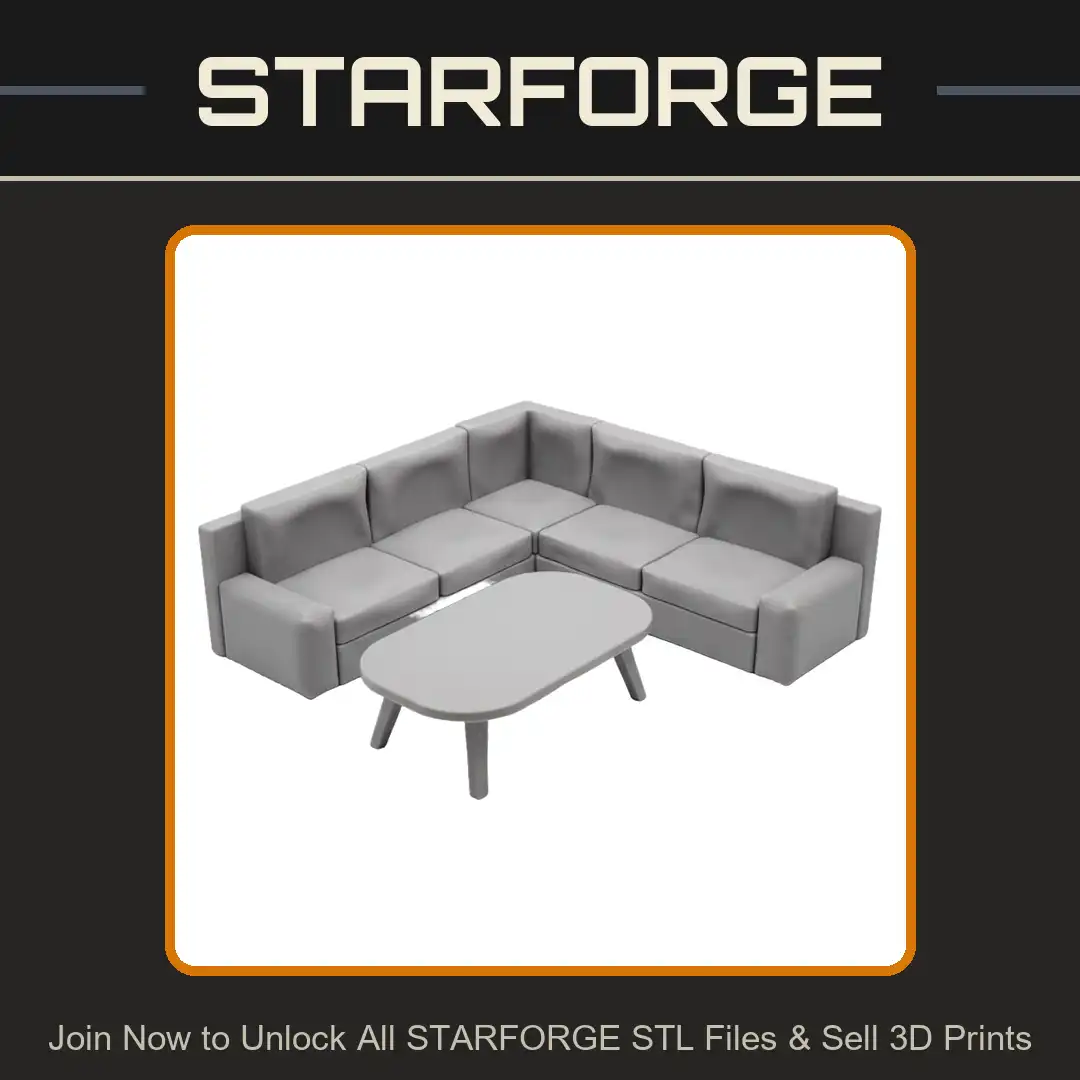
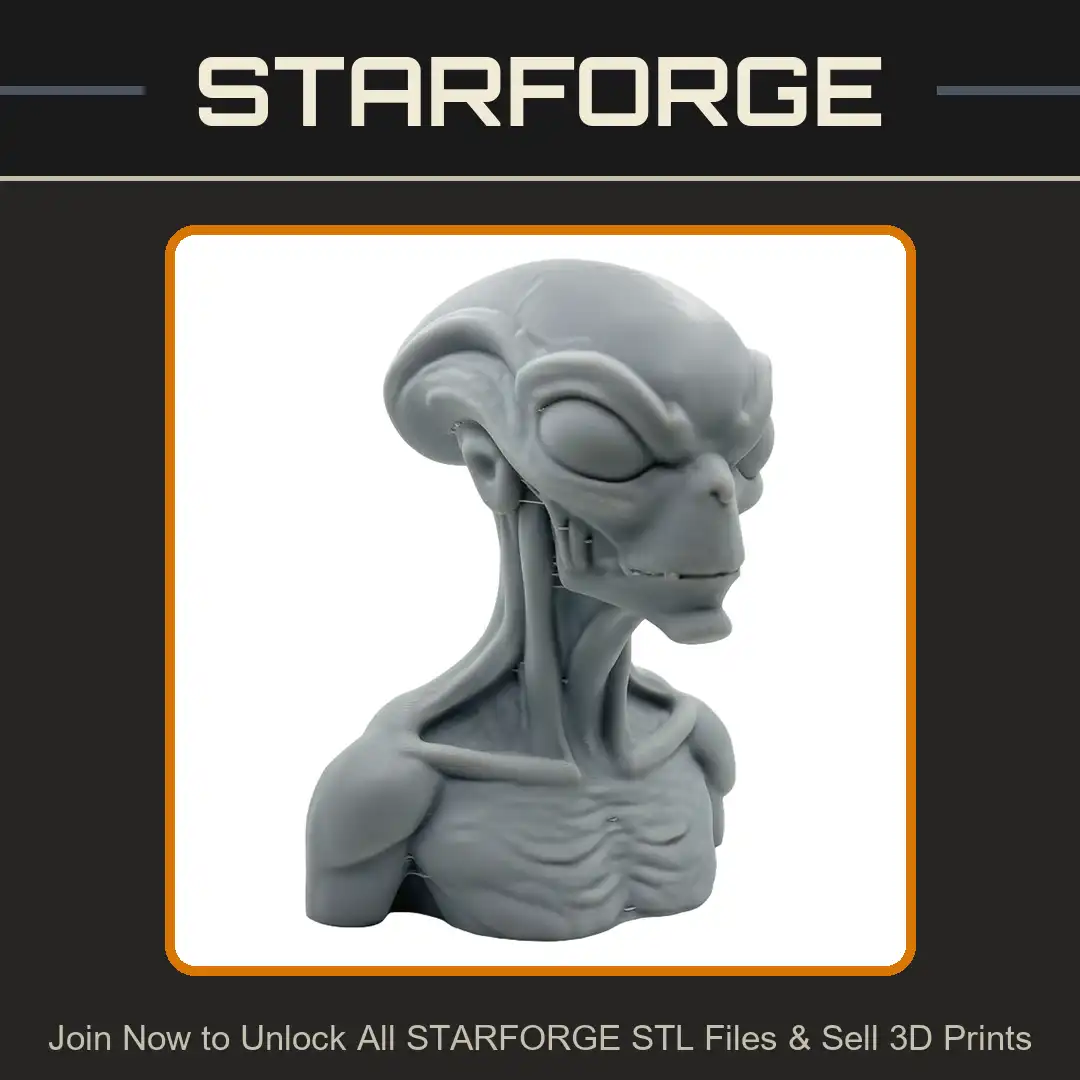
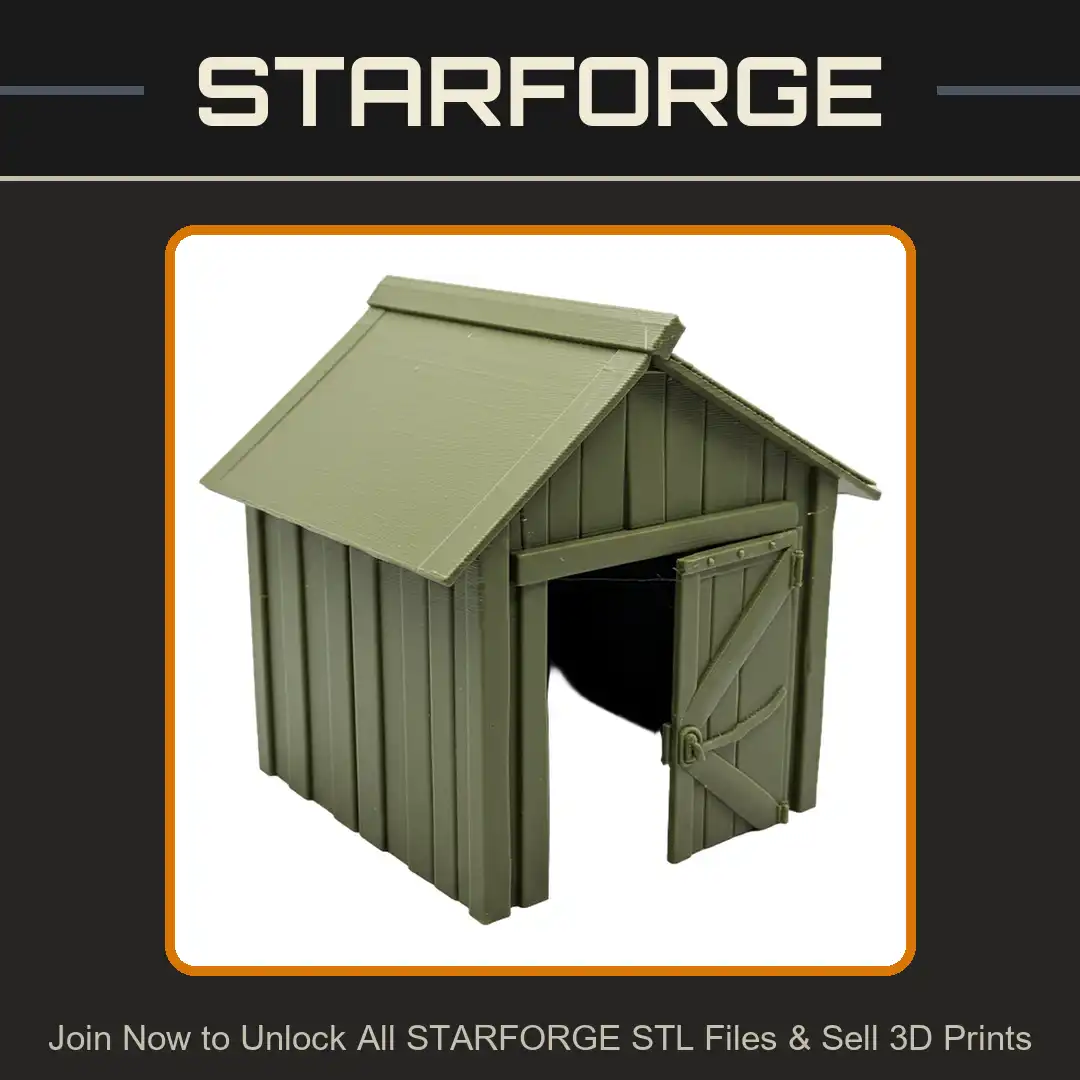
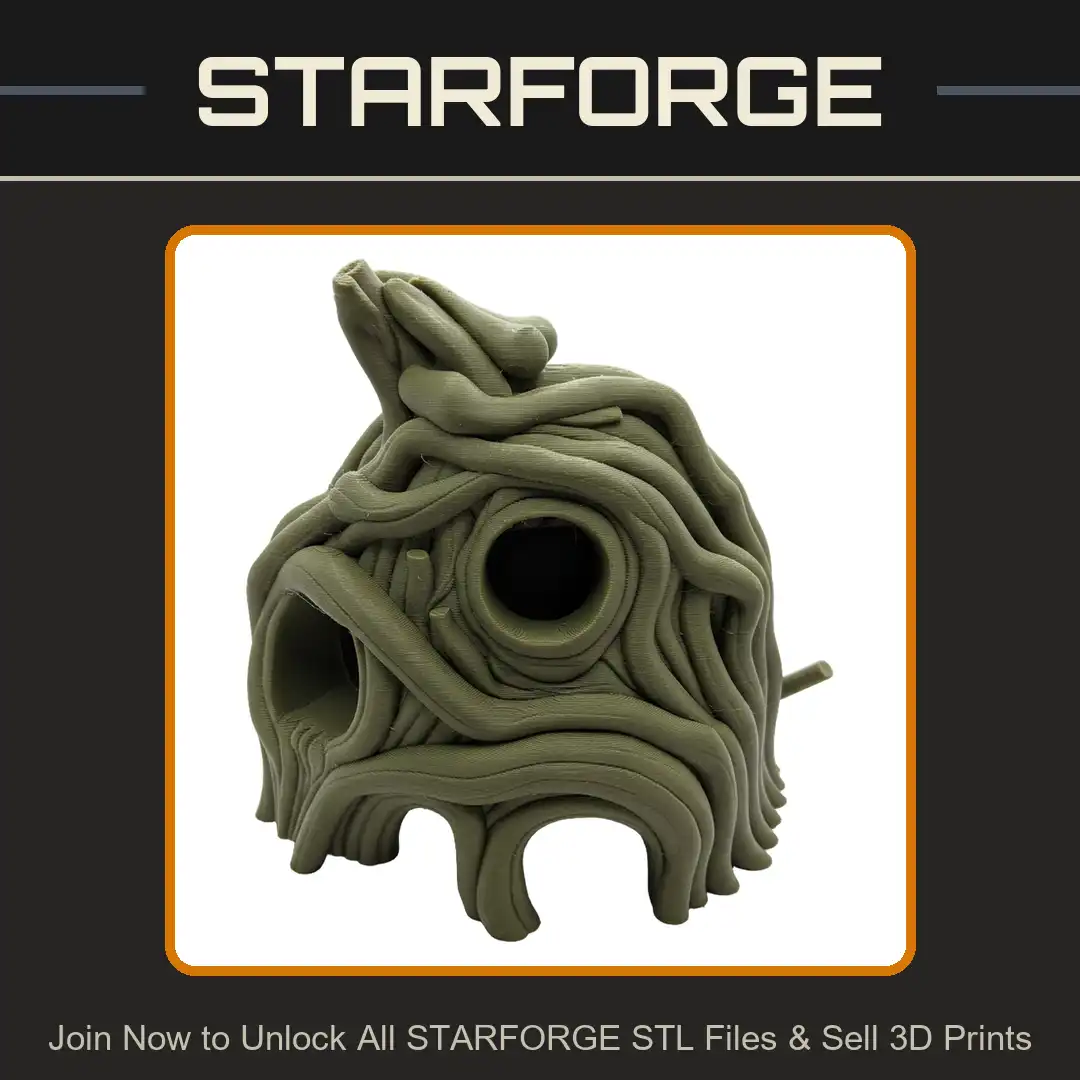
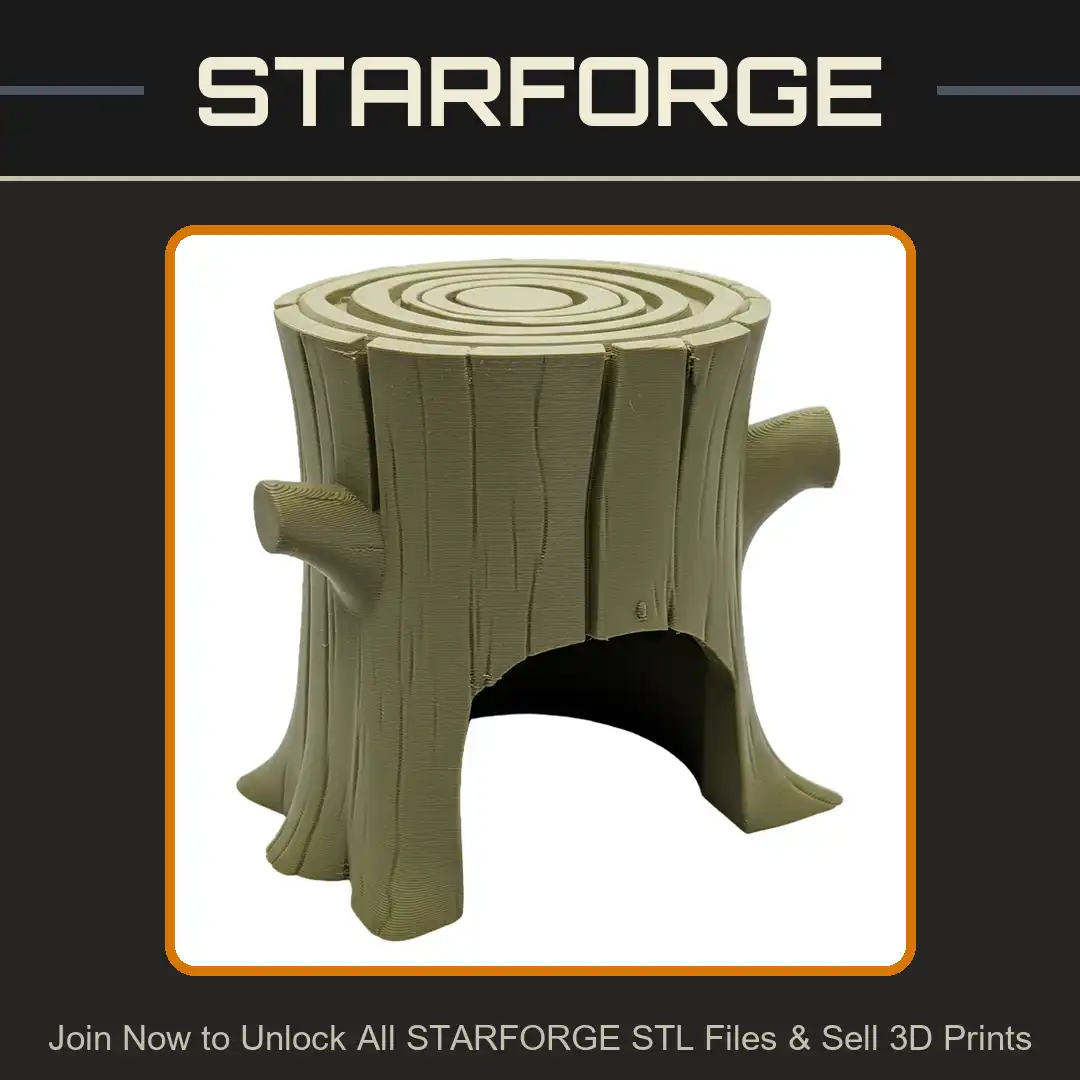
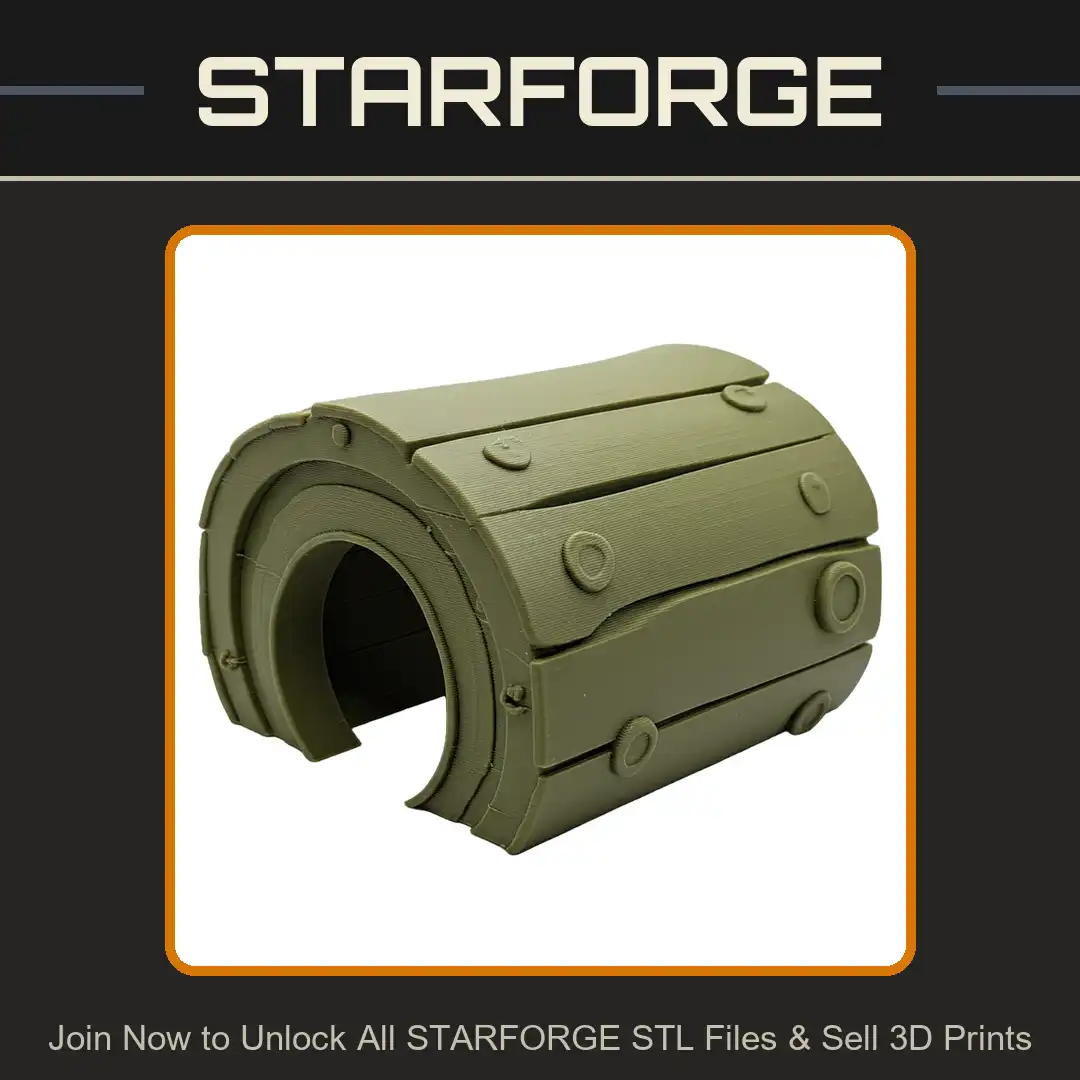
Printability Guaranteed
No Broken Mesh
No Intersecting Mesh
No Defective Anatomy
Choose Your Membership
| Included each month | Starter | Merchant | Merchant+ |
|---|---|---|---|
| Credits | 45 | 150 | 450 |
| STL Unlocks | up to45 | up to150 | up to450 |
| 3D Print Ideas | up to15 | up to50 | up to150 |
| Sell 3D Prints | Included | Included | Included |
| Sign up |