
Flexi Maker 3D Modeling Software
Type the numbers, check the preview and download the part. Nothing is uploaded.
The long axis of the body. Every cut is square to it.
Millimetres from the start of the body, comma separated. Add @ and degrees to tilt a cut, for example 20, 45@15, 70. Leave empty to space the joints evenly.
0 sizes each ball from the section it sits in.
The gap round every moving surface. A trial value: print one joint first.
Wider gaps swing further and show more.
Slopes each cut face back from the joint so neighbouring segments can turn further before they touch.
The cone the neck may swing in before it stops.
Nothing is uploaded. Your file is read in your browser and never leaves your computer.
What this does
For snakes, dragon bodies, fish and worms. Choose the axis the body runs along and where to cut it; each cut becomes a small gap and a ball on a neck that is held inside a socket in the next segment, so the pieces print already joined and move. A cut through legs or wings, or a section too thin for a socket, is refused with the reason.
How it works
- Choose your 3D Print STL FileDrag a 3D Print STL File onto the box above, or press it and pick one. It is read in your browser, so nothing is uploaded.
- Place the cuts and read the jointsSet where each cut goes and press the button. Every refusal names the cut and the reason; every joint reports how far it turns against its neighbour on screen.
- Download the resultPress the download button. What it offers is checked as a closed solid first; nothing broken is offered.
About the formats
- What it will not do
- It does not find the cuts for you, handle branching limbs or promise that any statue can move. The mesh must be closed and one piece.
- The swing
- Each joint is turned against its neighbouring segment on screen until the solids touch, and that angle is reported. It checks neighbours only, not the whole chain, and it is geometry, not a tested print.
Questions
Has this been print-tested?
Not by us yet. The geometry is built from the numbers you type and checked on screen, but no printed part has been fitted. Print one small test piece before a big job and adjust.
Is Flexi Maker 3D Modeling Software free?
Yes. Every tool on StarForge is free, with no account, no sign-in and no limit on how many files you run through it. It runs on your own computer, so it costs us nothing to give away.
Is my file uploaded anywhere?
No. Nothing is uploaded. Your file is read in your browser and never leaves your computer. There is no upload step, no server copy and nothing kept afterwards, which is also why it works with the network switched off once the page has loaded.
How large a file can I use?
Up to 250 MB. The limit is your browser's memory rather than an upload size, because the file never goes anywhere; a file larger than that is refused with a message rather than crashing the tab.
More tools
- 3D Print STL File Viewer 3D Modeling Software
- 3D Print STL File Converter 3D Modeling Software
- Vase Mode Checker 3D Modeling Software
- STEP File to 3D Print STL File Converter 3D Modeling Software
- STEP File Viewer 3D Modeling Software
- Hose Adapter Generator 3D Modeling Software
- Gear Generator 3D Modeling Software
- LEGO-Compatible Brick Generator 3D Modeling Software
- All tools
834+ 3D Print STL Files
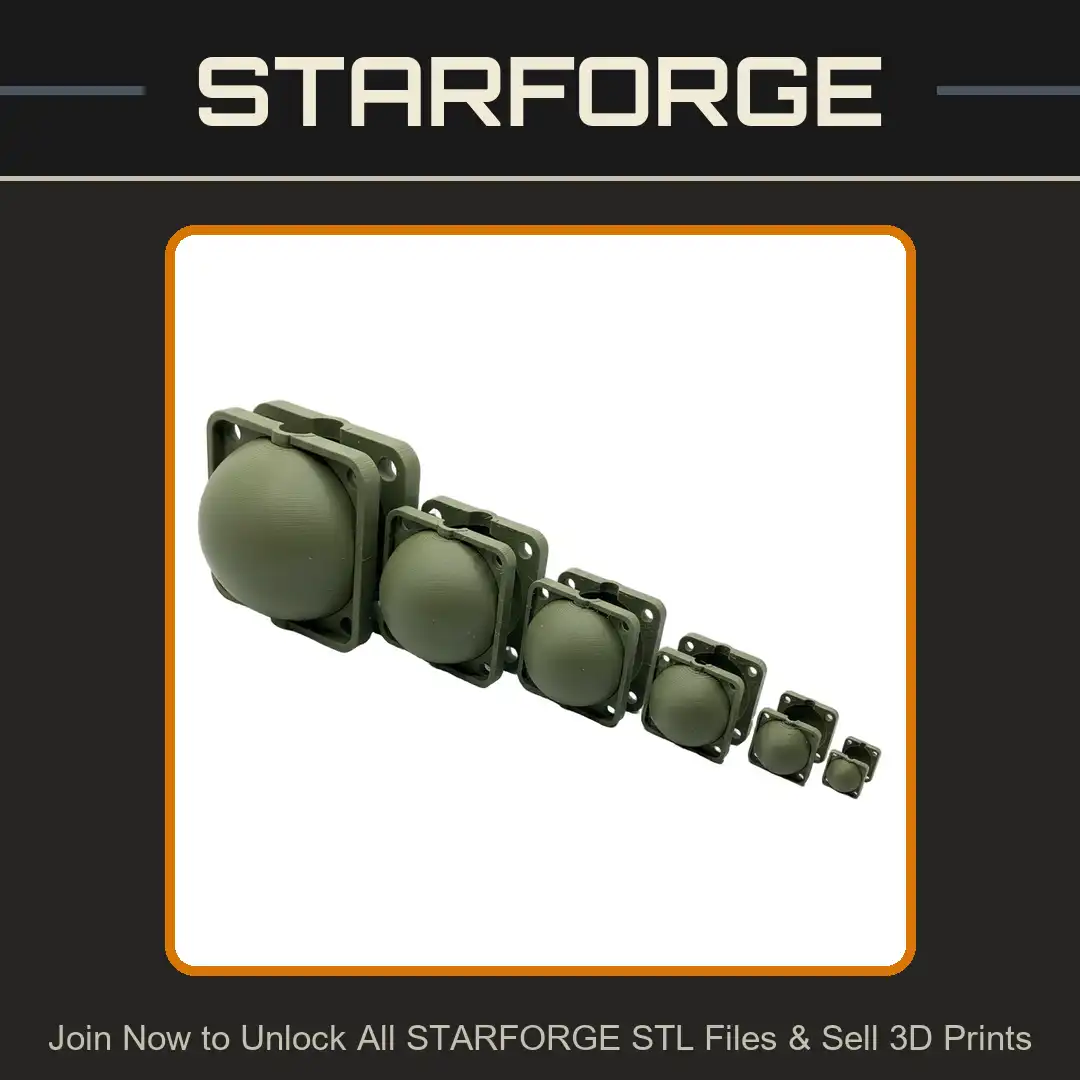
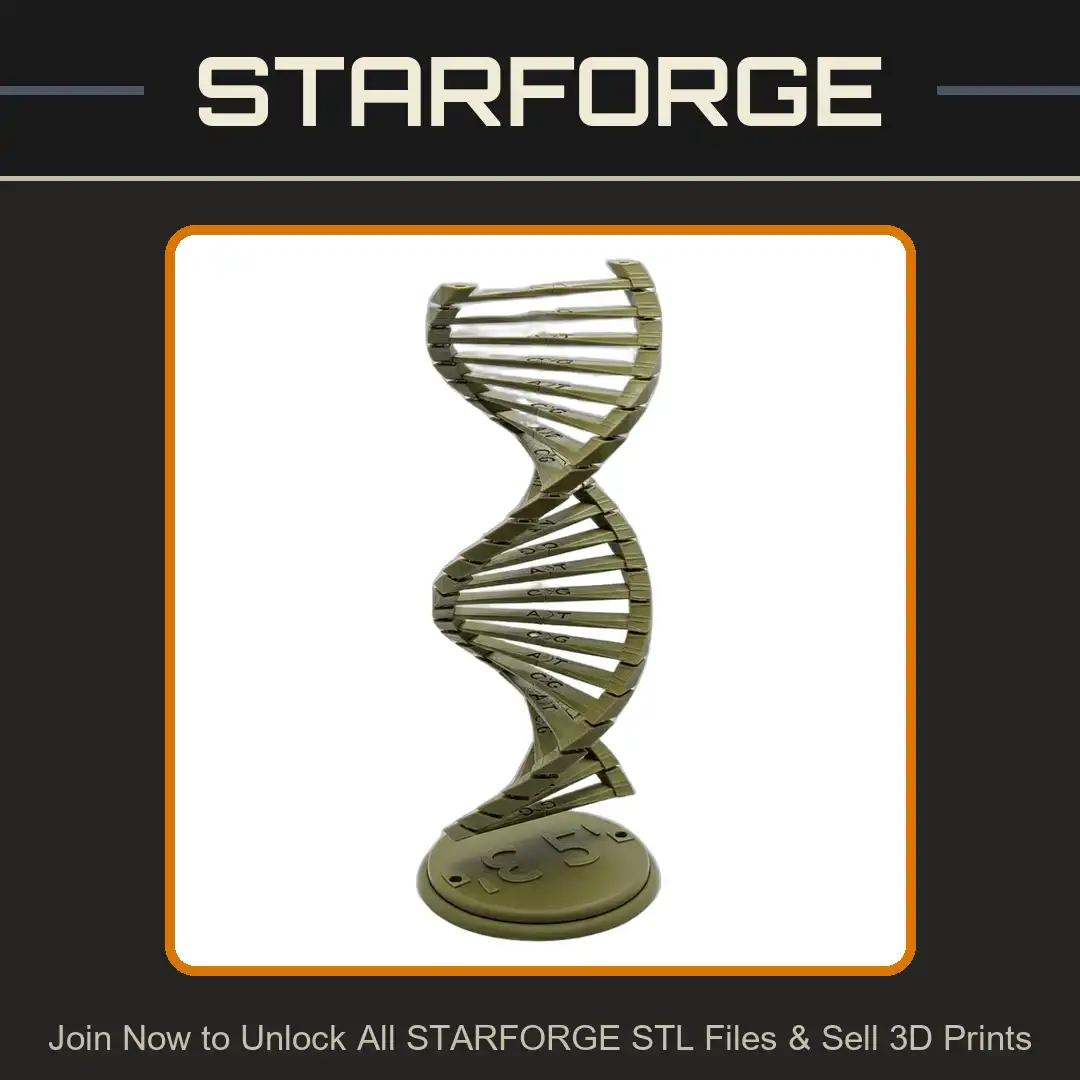
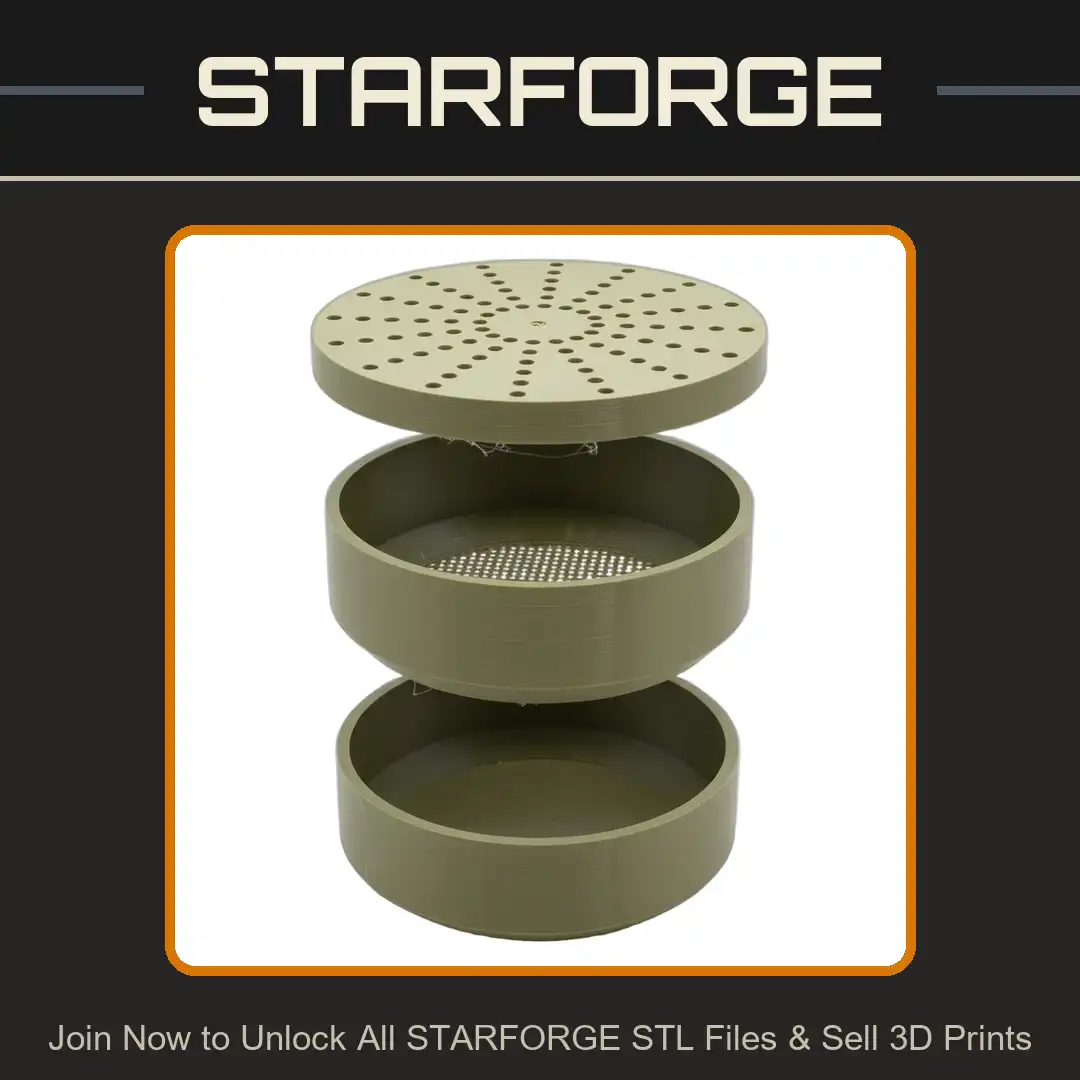
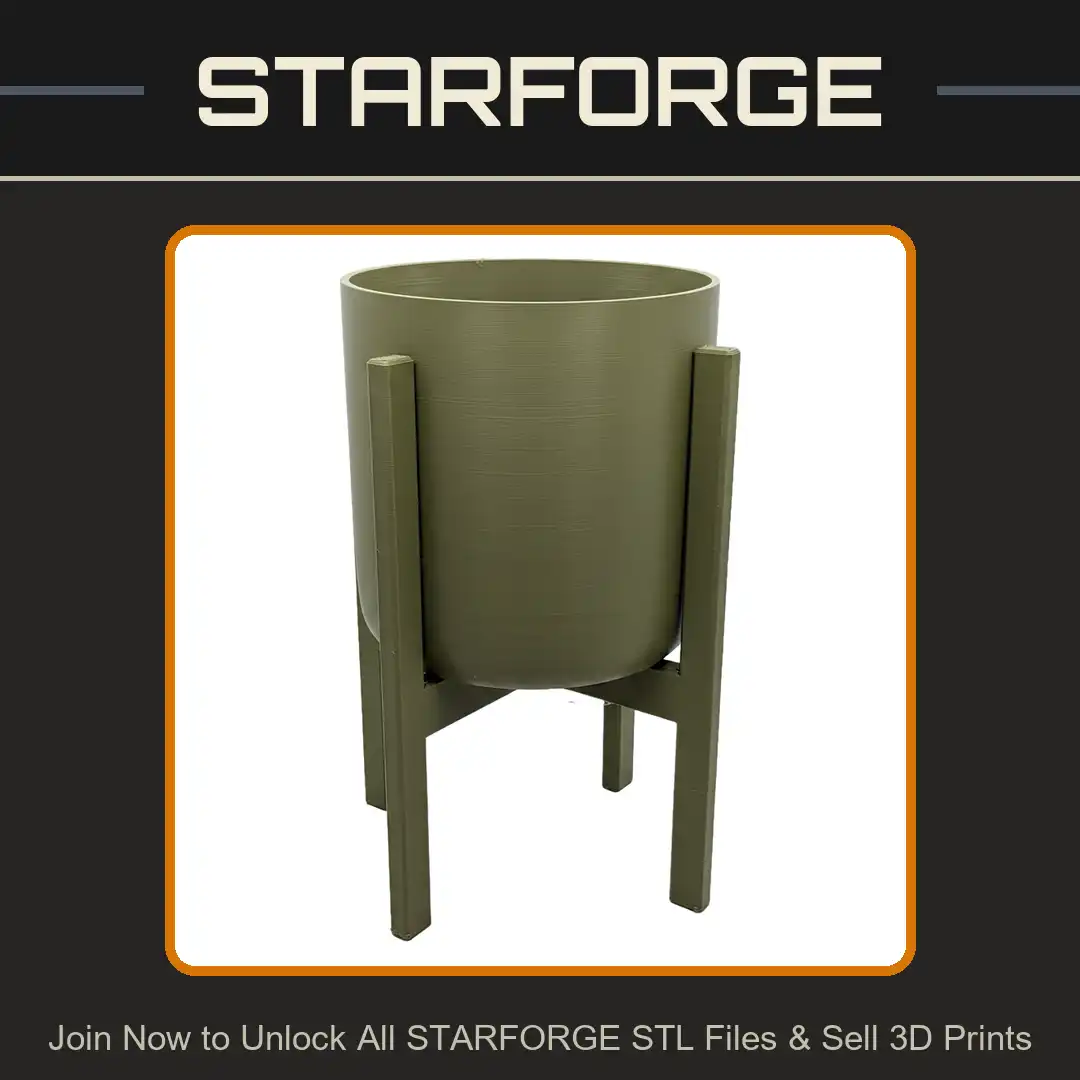
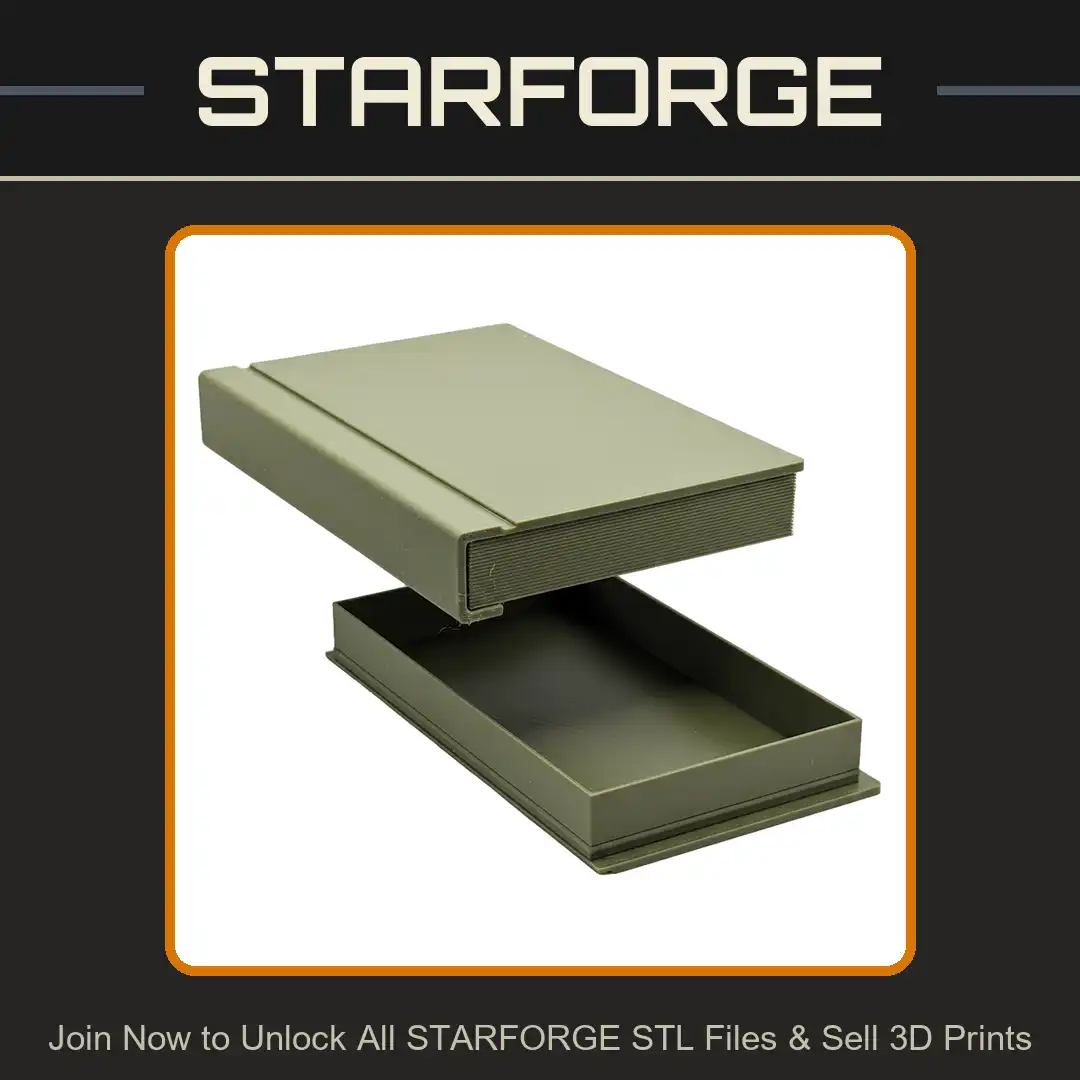
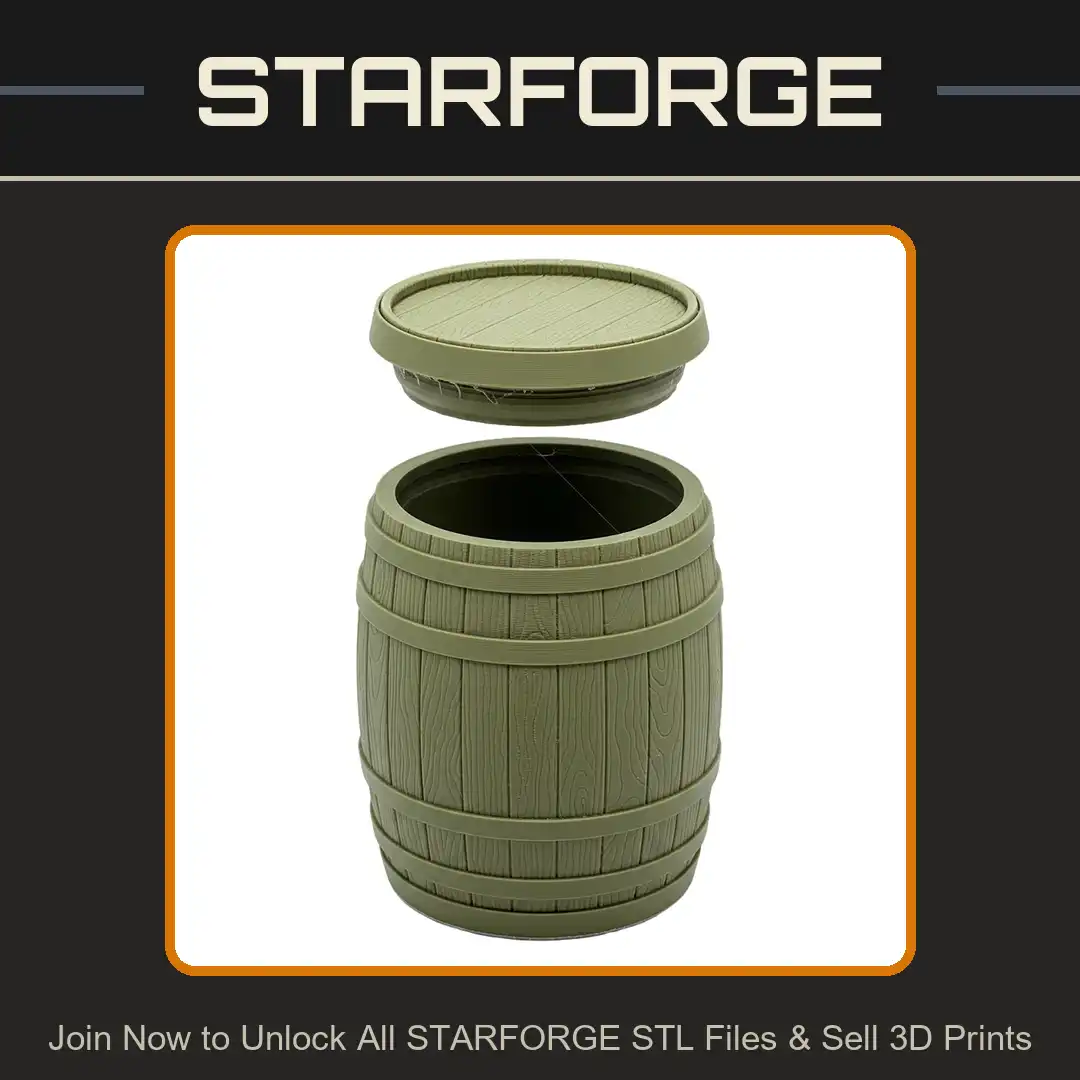
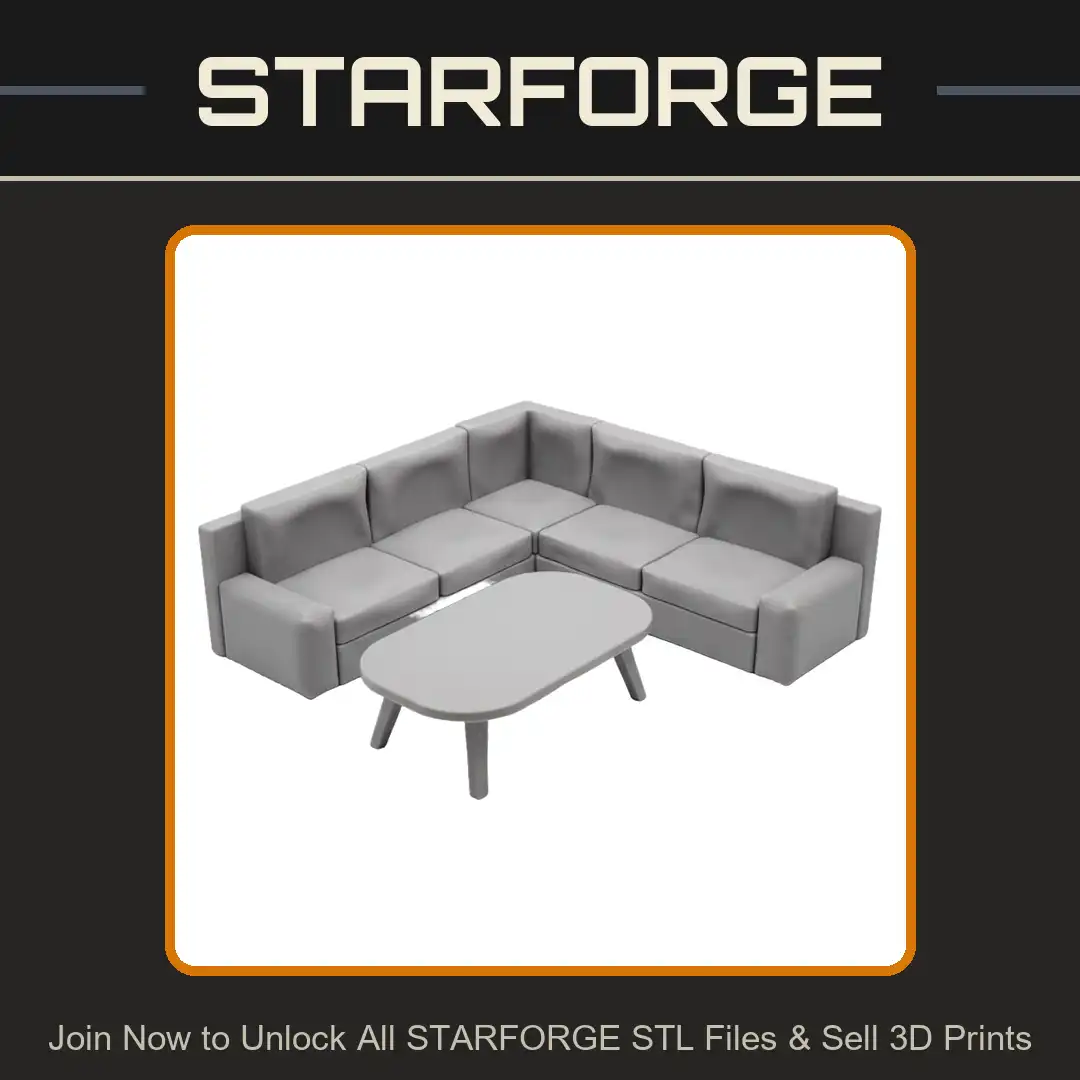
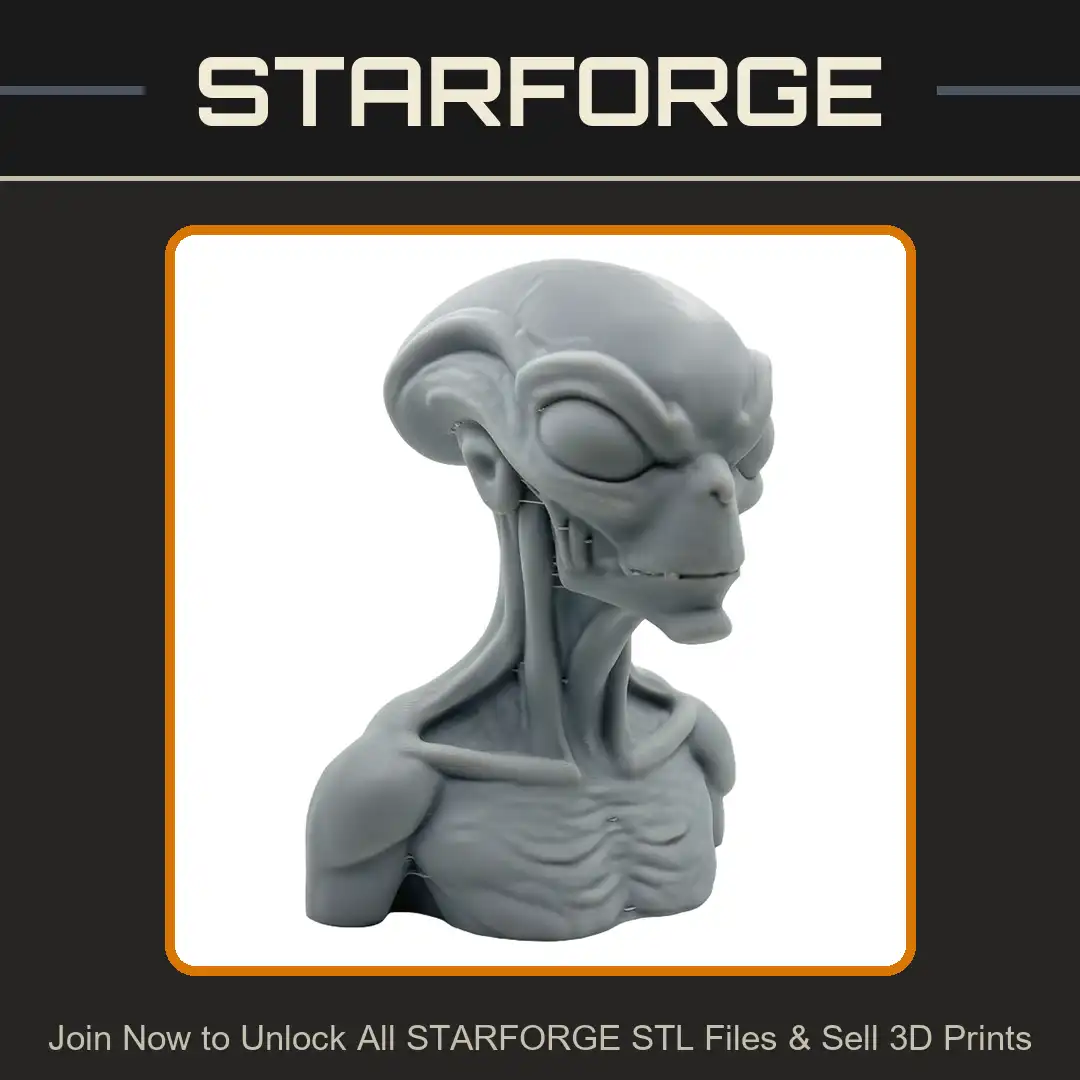
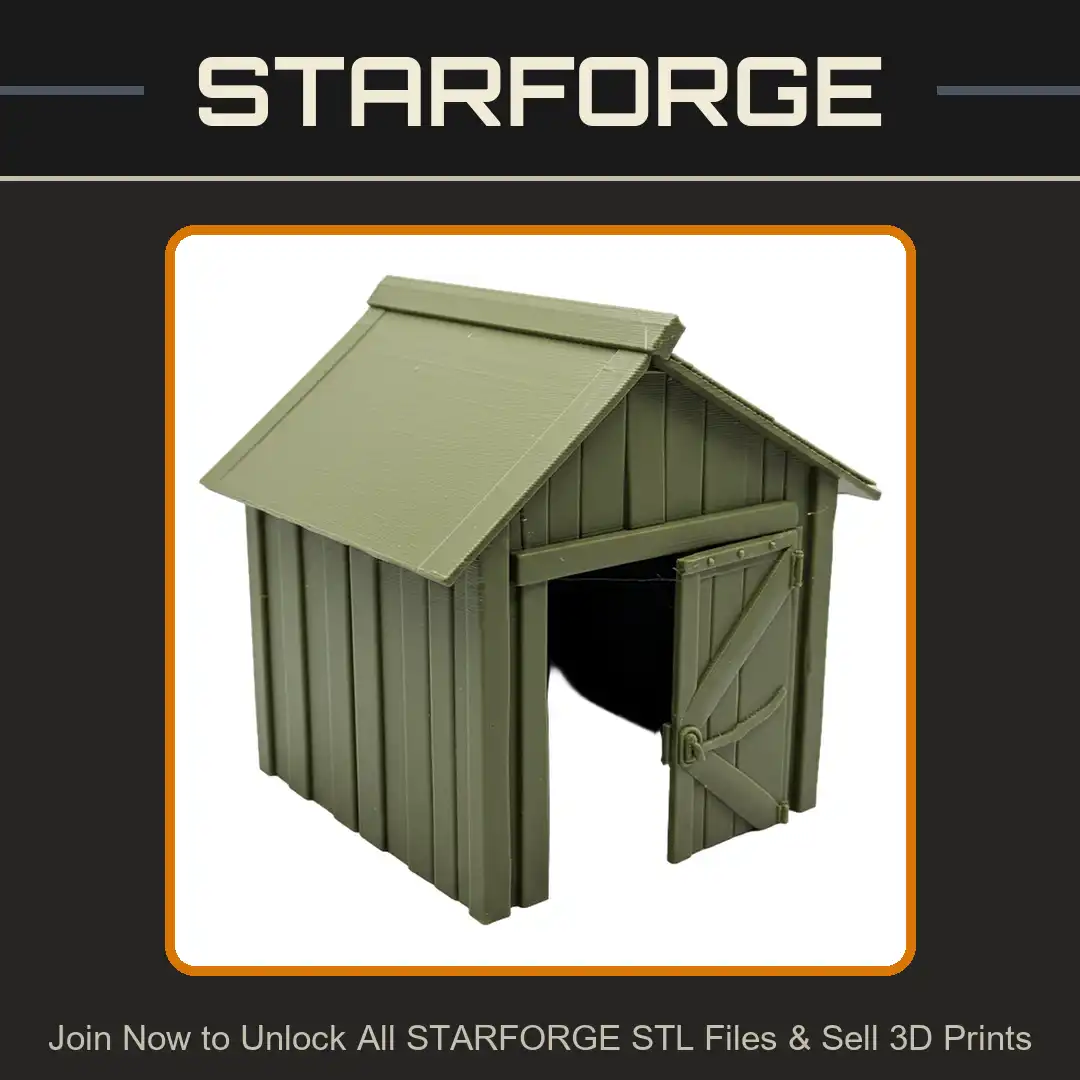
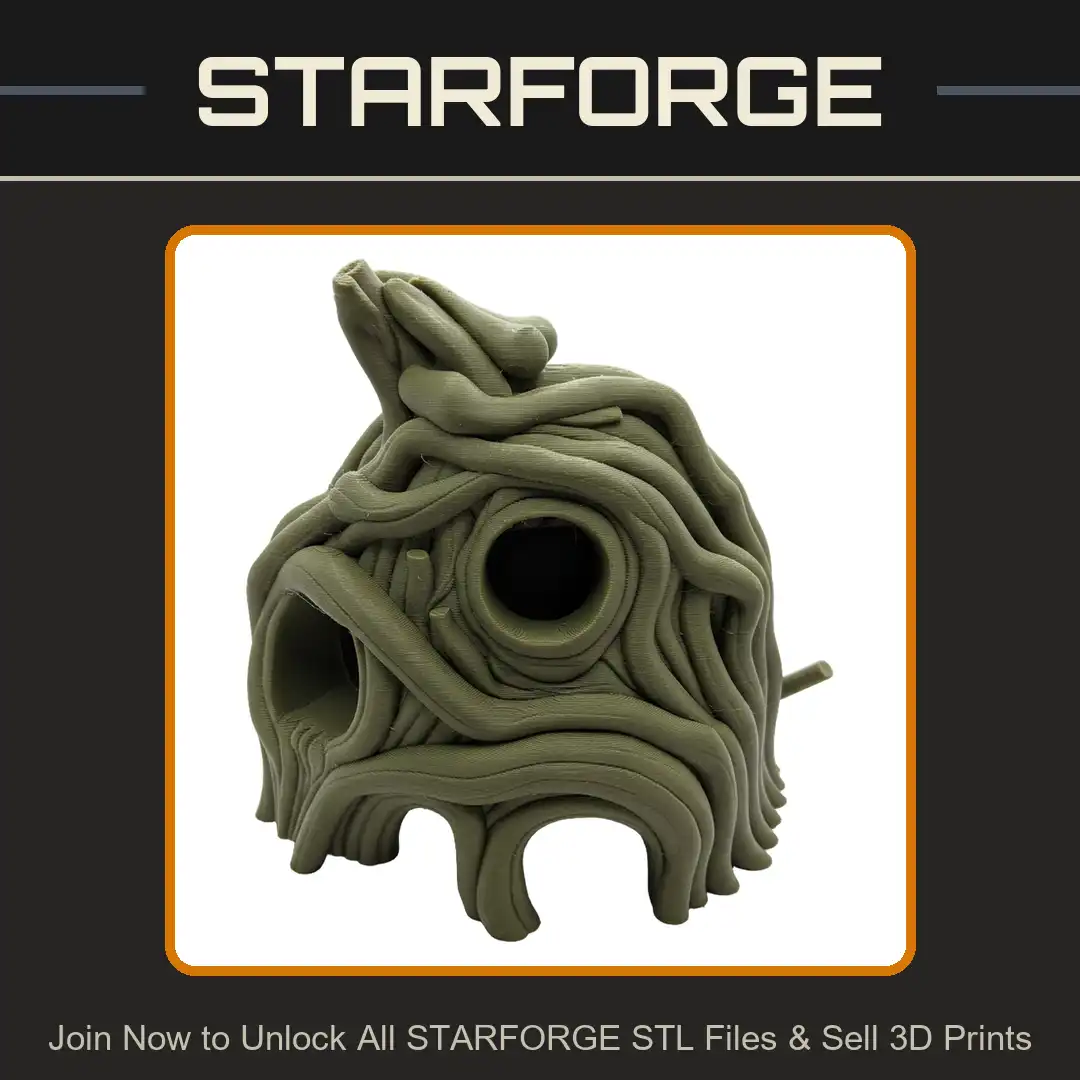
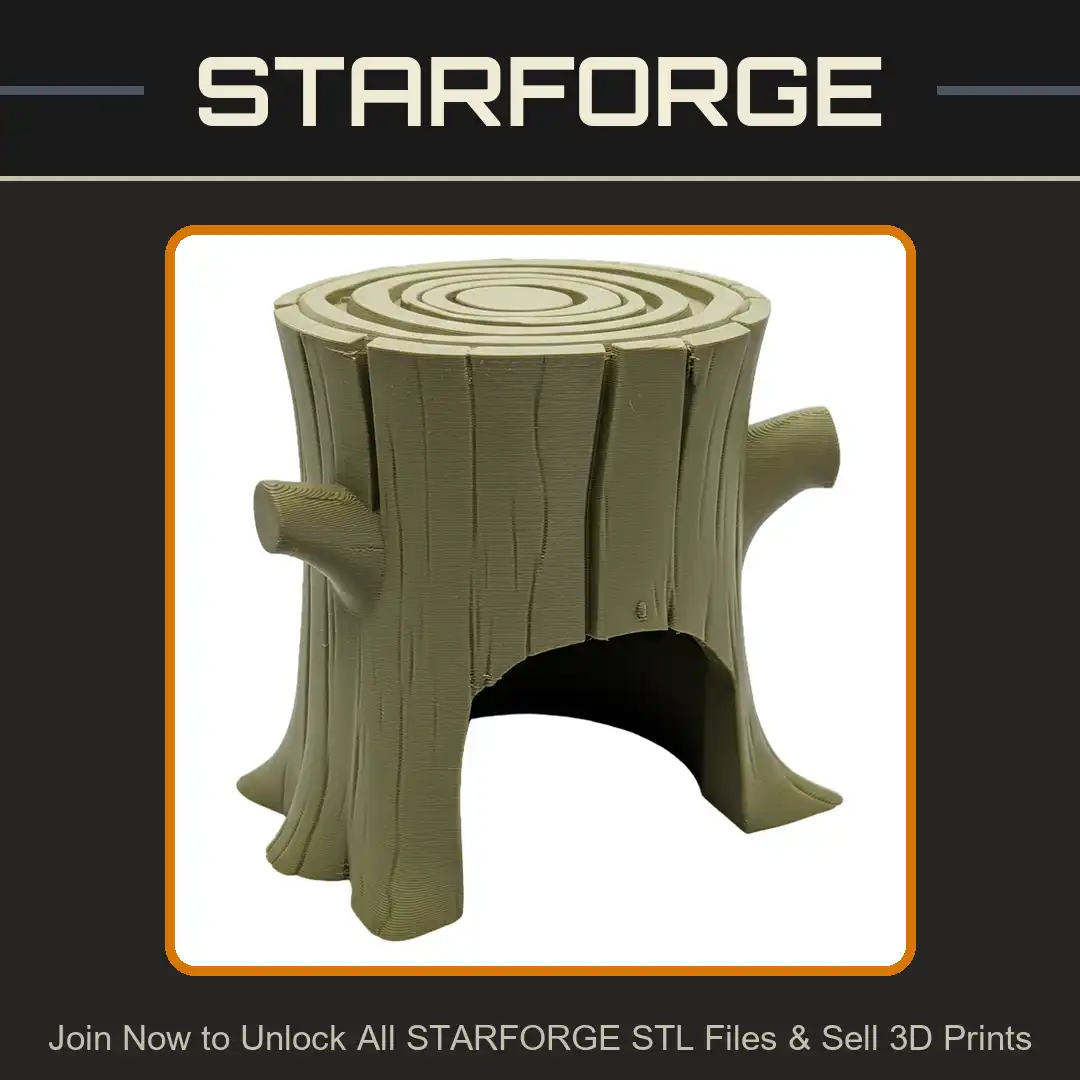
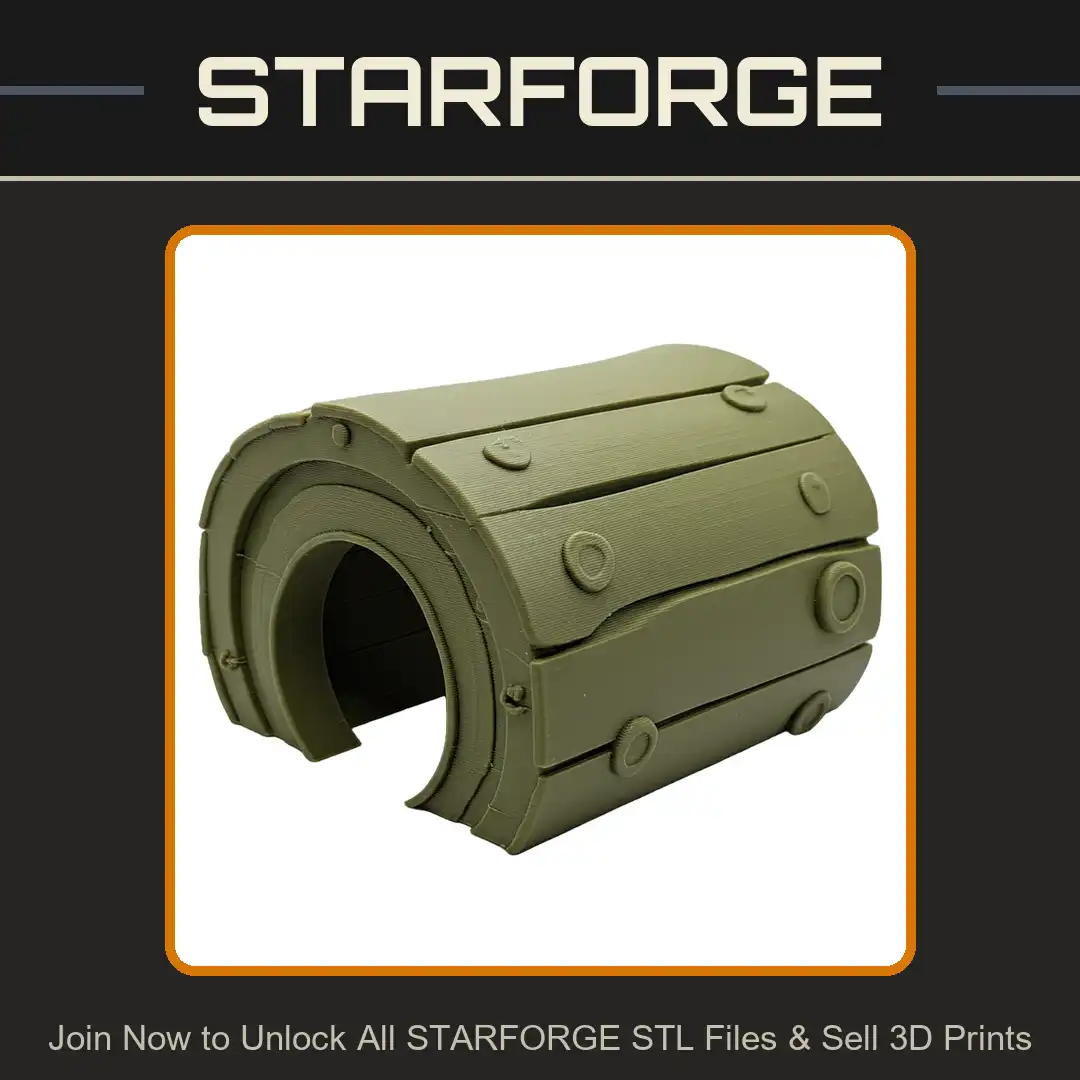
Printability Guaranteed
No Broken Mesh
No Intersecting Mesh
No Defective Anatomy
Choose Your Membership
| Included each month | Starter | Merchant | Merchant+ |
|---|---|---|---|
| Credits | 45 | 150 | 450 |
| STL Unlocks | up to45 | up to150 | up to450 |
| 3D Print Ideas | up to15 | up to50 | up to150 |
| Sell 3D Prints | Included | Included | Included |
| Sign up |